
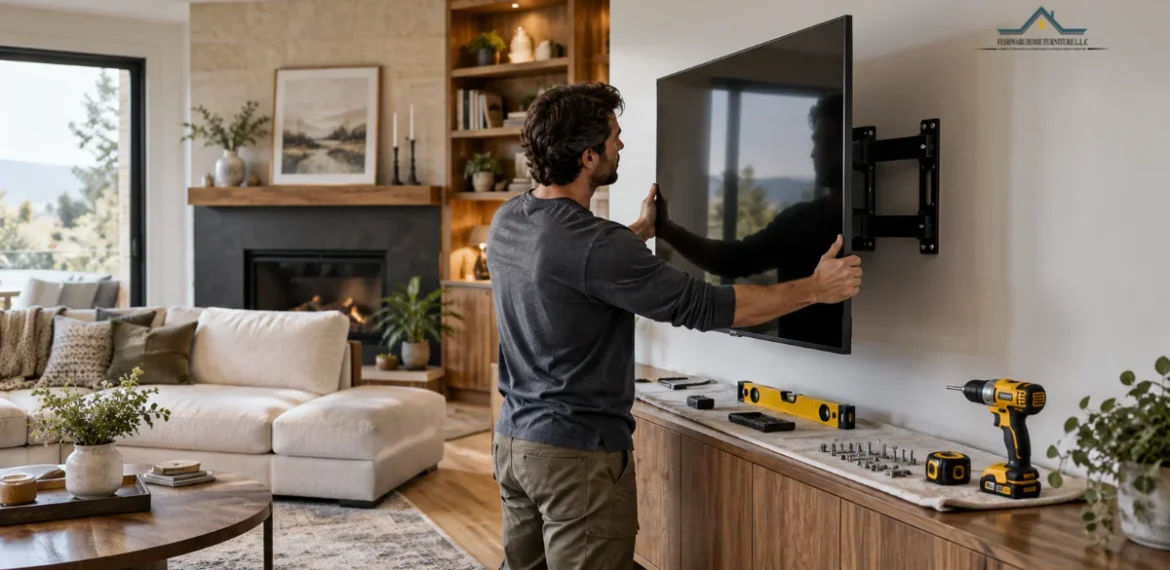
How to mount TV on wall safely starts with identifying the wall material and selecting secure mounting points. Drywall typically requires attachment to structural studs, while brick and concrete need suitable masonry anchors.
Once the mounting position is marked, drill the required holes, secure the wall plate, attach the brackets to the TV, and lock the screen into place. Before drilling, check for hidden electrical cables and pipes.
Check Your Wall Before Mounting a TV
Before drilling, identify your wall material and check the combined weight of your TV and mounting bracket. The mounting hardware must be suitable for both the wall structure and the load. Don’t rely on plasterboard or loose plaster to support the TV. Check the mounting instructions for approved fixing methods, and use a wall scanner to identify possible electrical cables or pipes behind the drilling points. If you can’t confirm a secure mounting location, don’t drill.
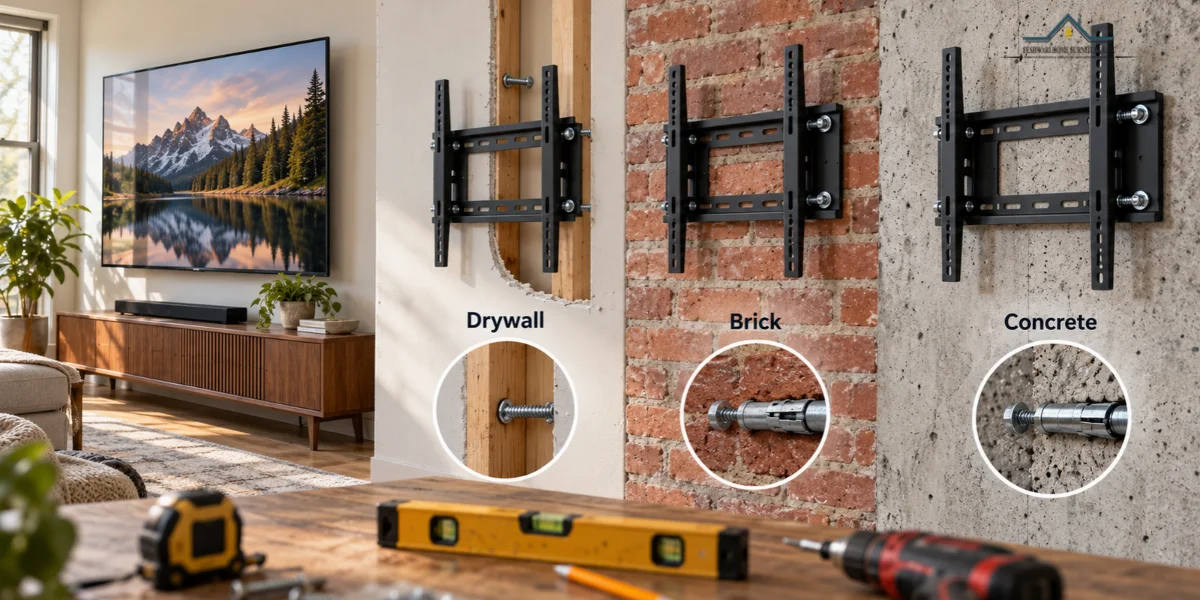
Drywall Brick and Concrete Walls
- Drywall: Secure the mount to wooden studs. Metal studs require approved fixings.
- Solid Brick: Use masonry anchors rated for the TV’s weight.
- Concrete: Use concrete anchors and follow the required drilling depth.
- Hollow Brick: Use fixings designed specifically for hollow masonry.
Finding Studs and Safe Mounting Points
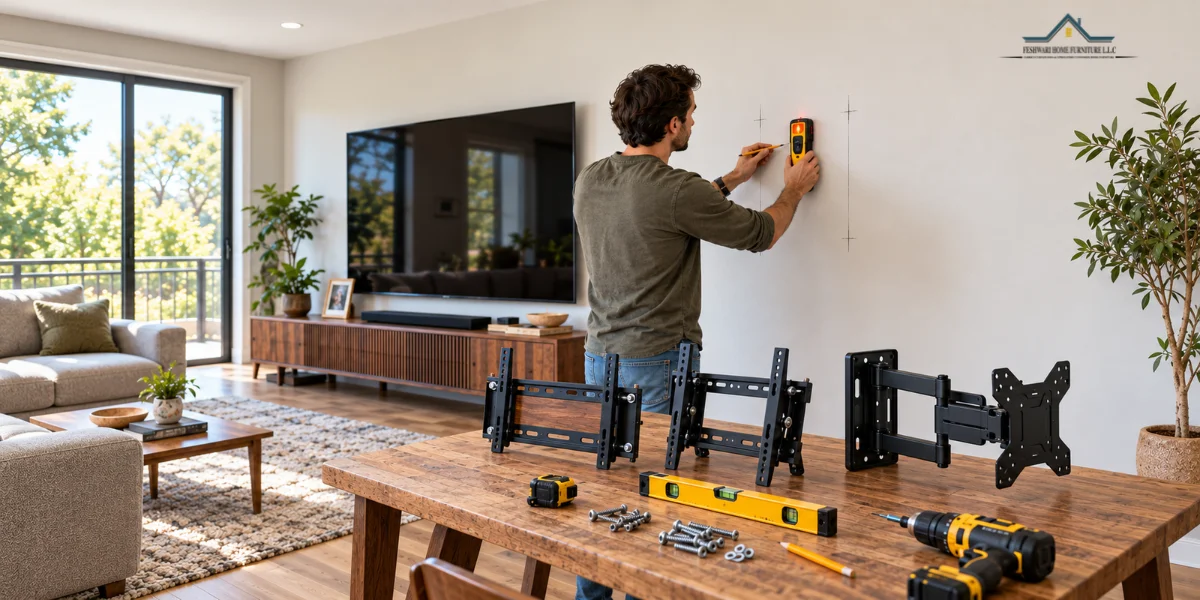
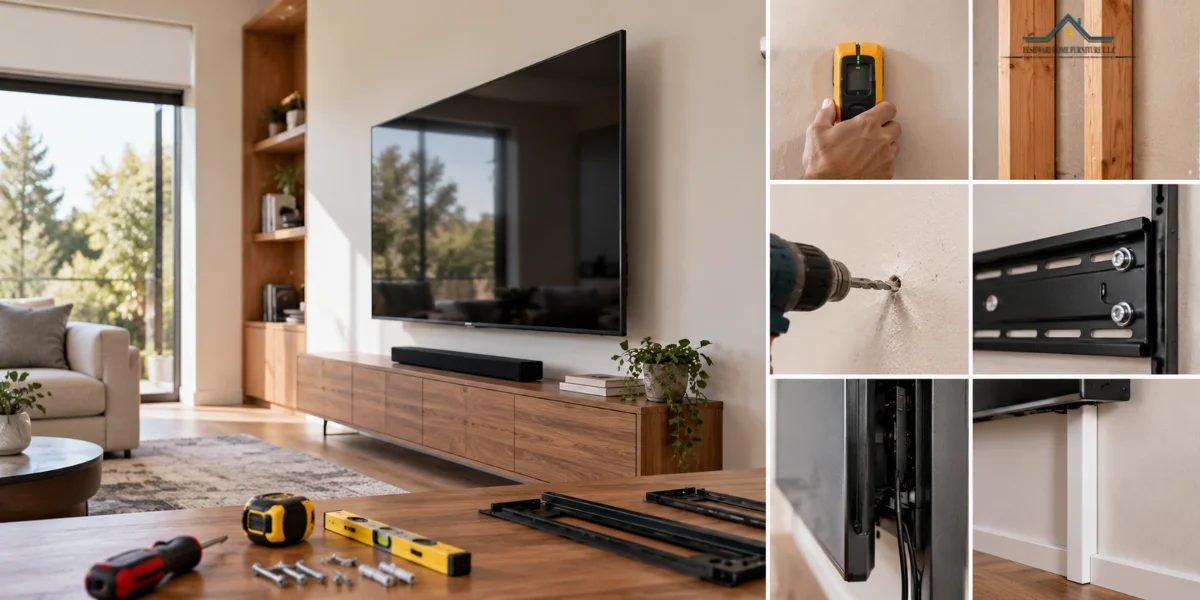
Use a stud finder to locate the structural supports behind drywall. Mark both edges of each stud to find its center, where the mounting screws should go. Make sure the stud spacing matches your TV mount’s requirements. Before drilling, use a wall scanner to check for hidden electrical cables and pipes. Avoid damaged studs or loose surfaces, and follow the manufacturer’s instructions for hole placement and drilling depth.
Choose the Right TV Wall Mount
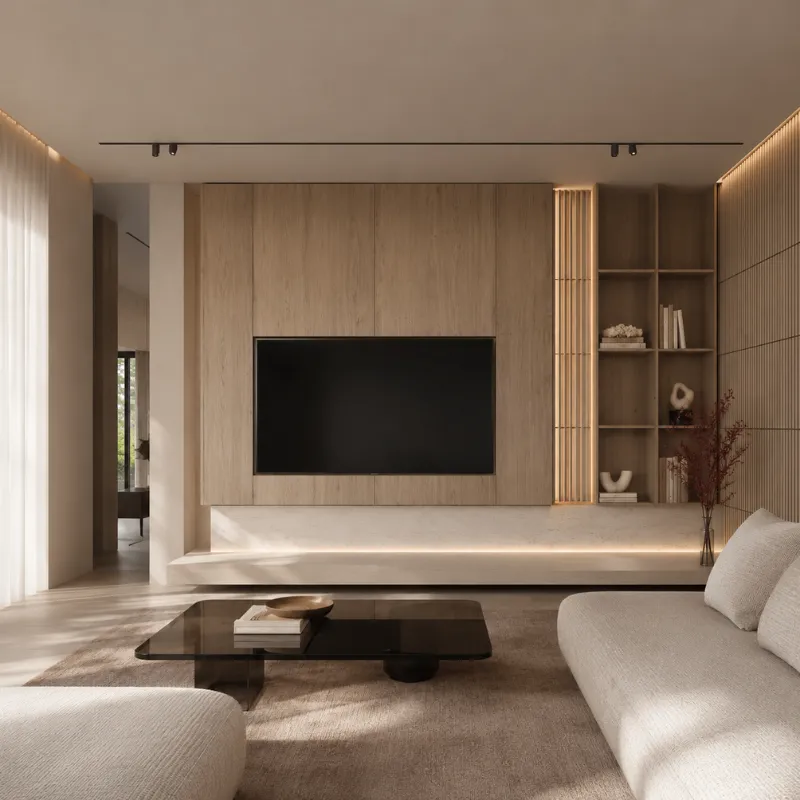
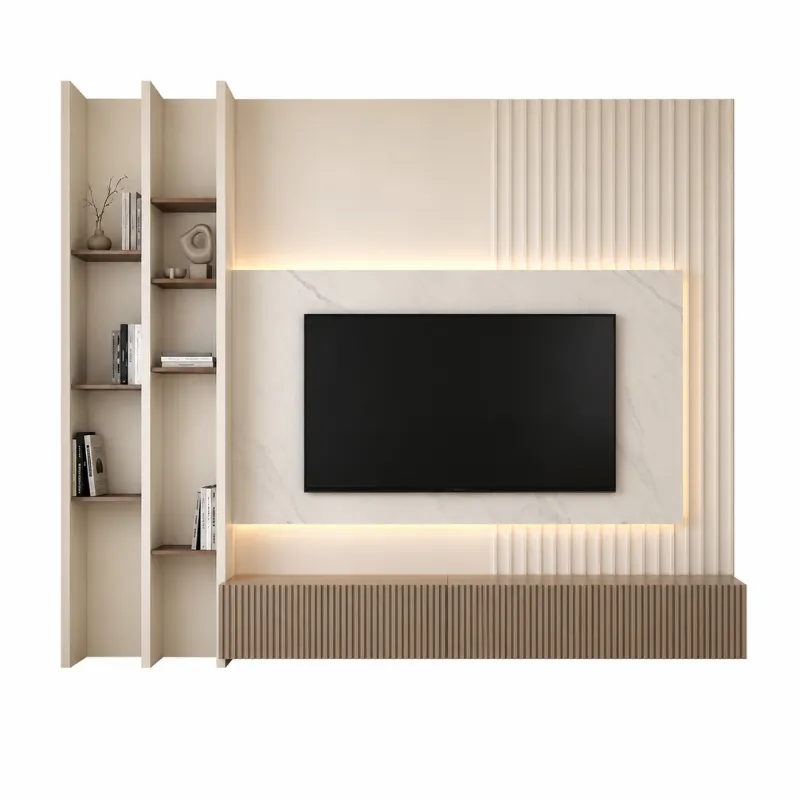
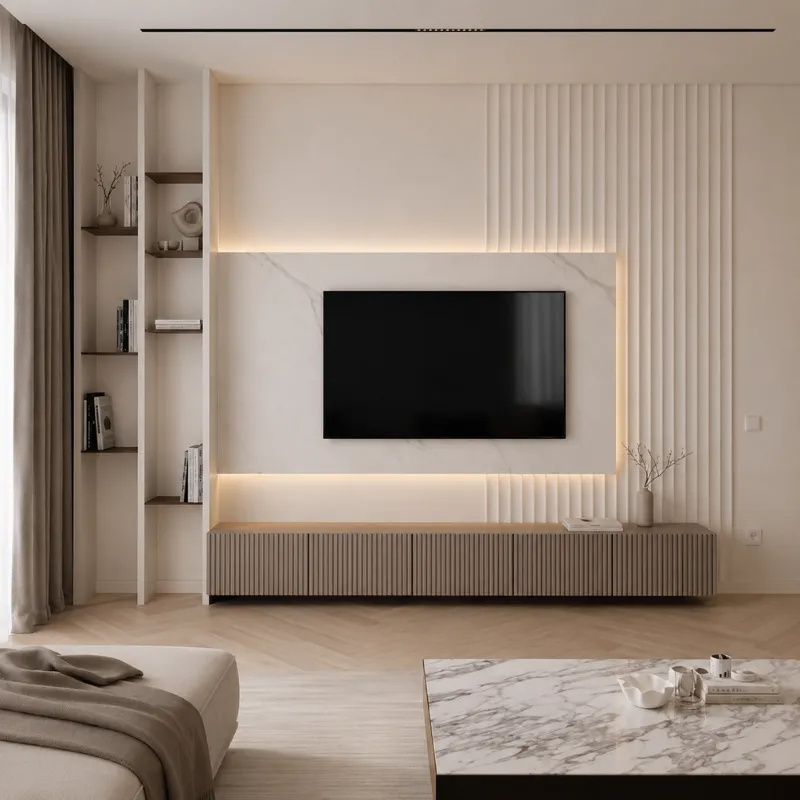
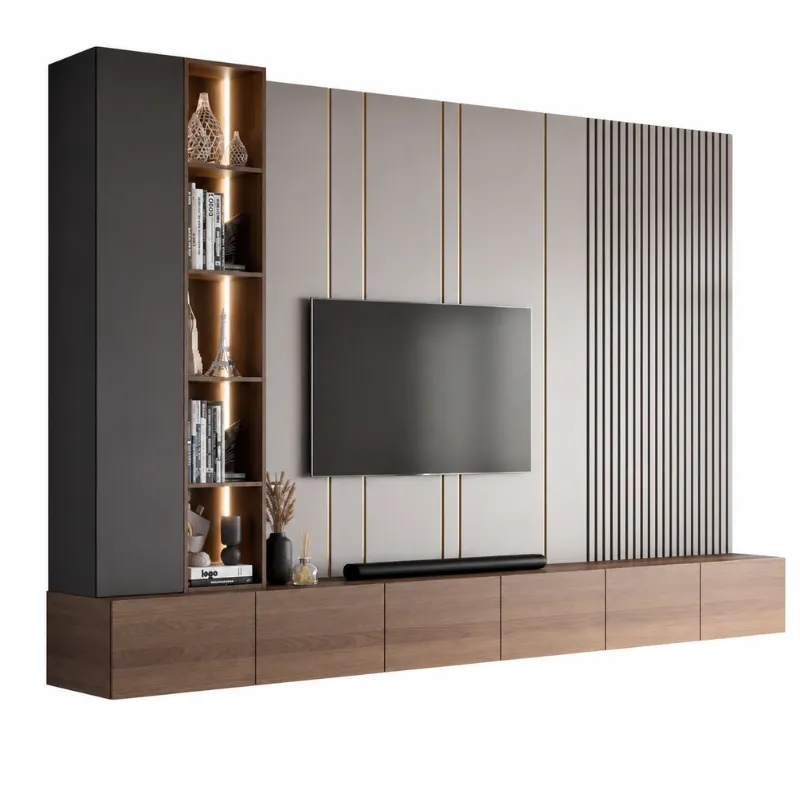
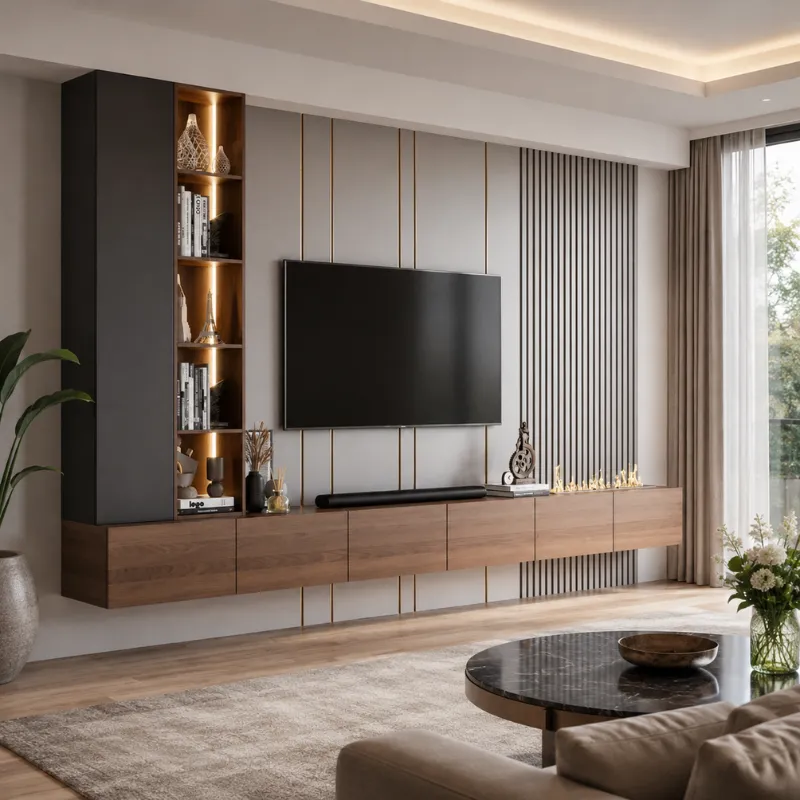
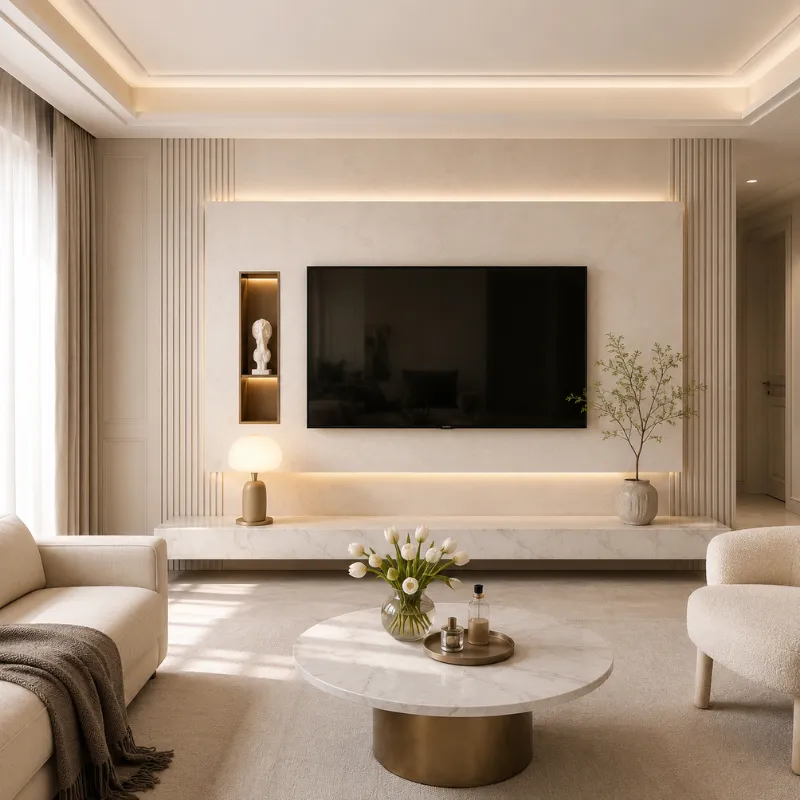
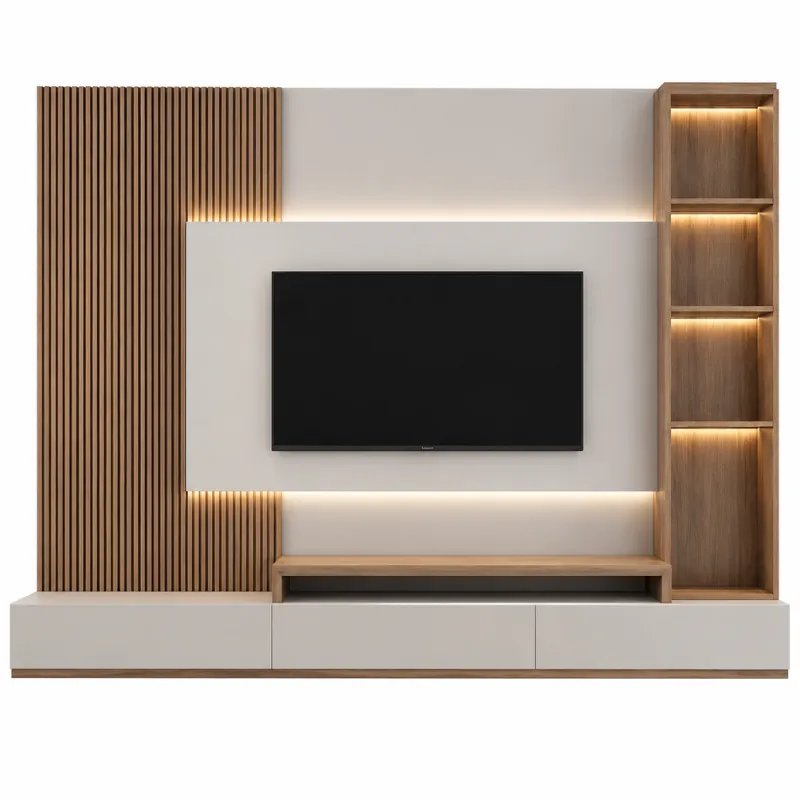
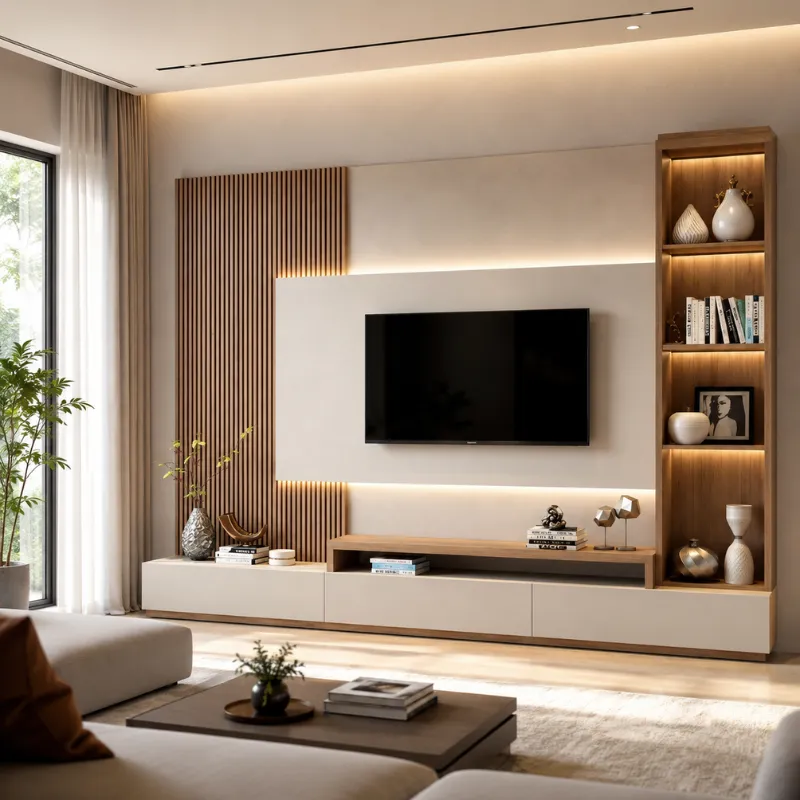
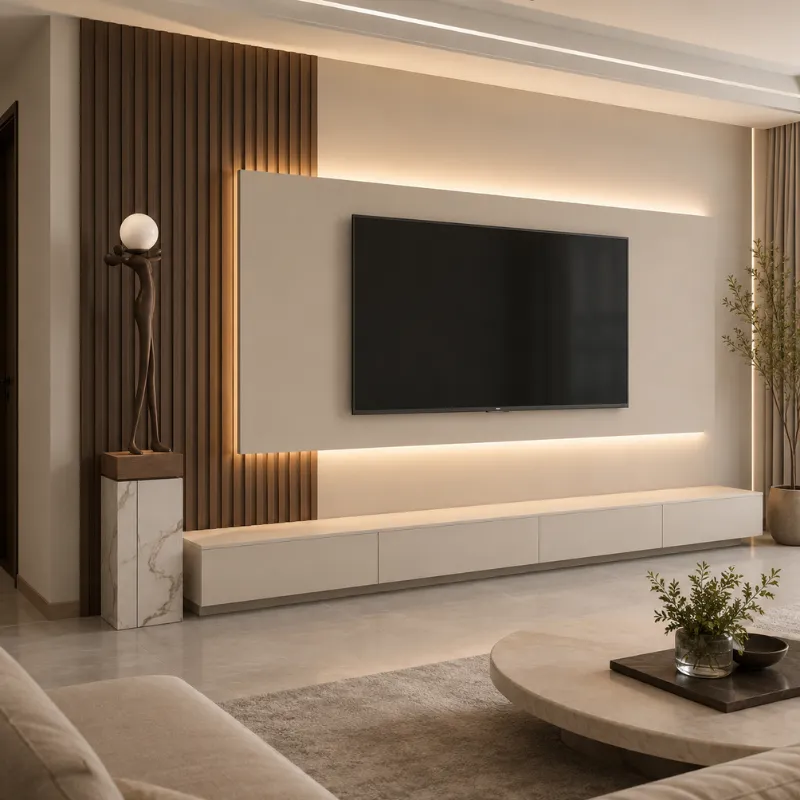
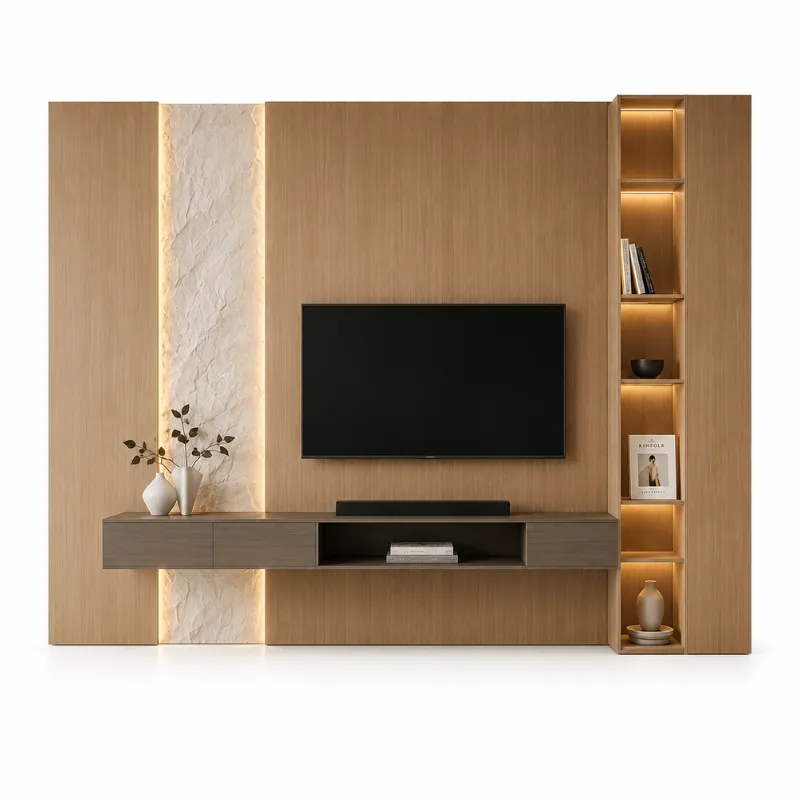
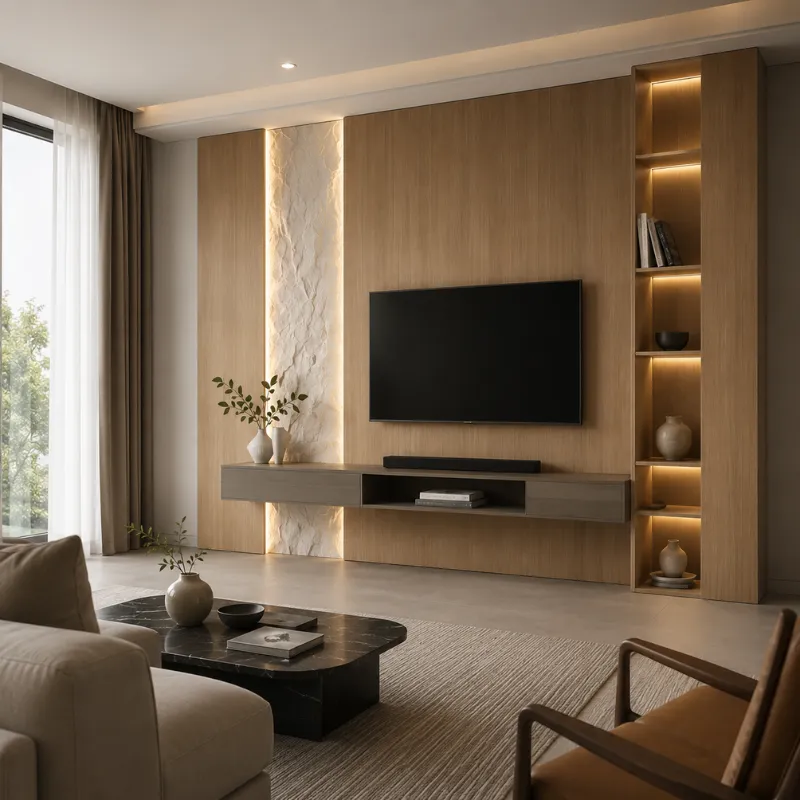
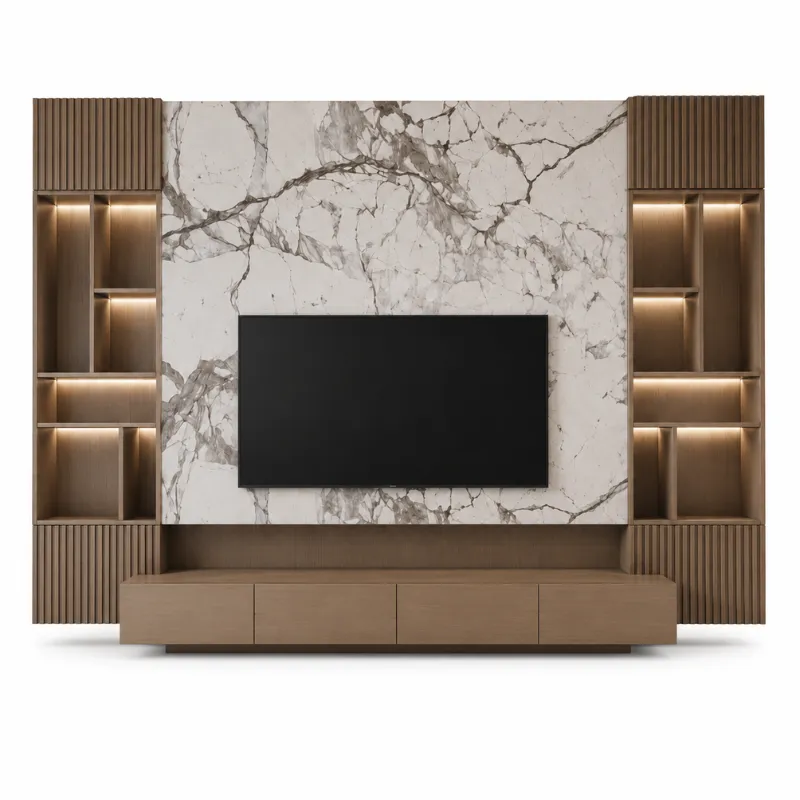
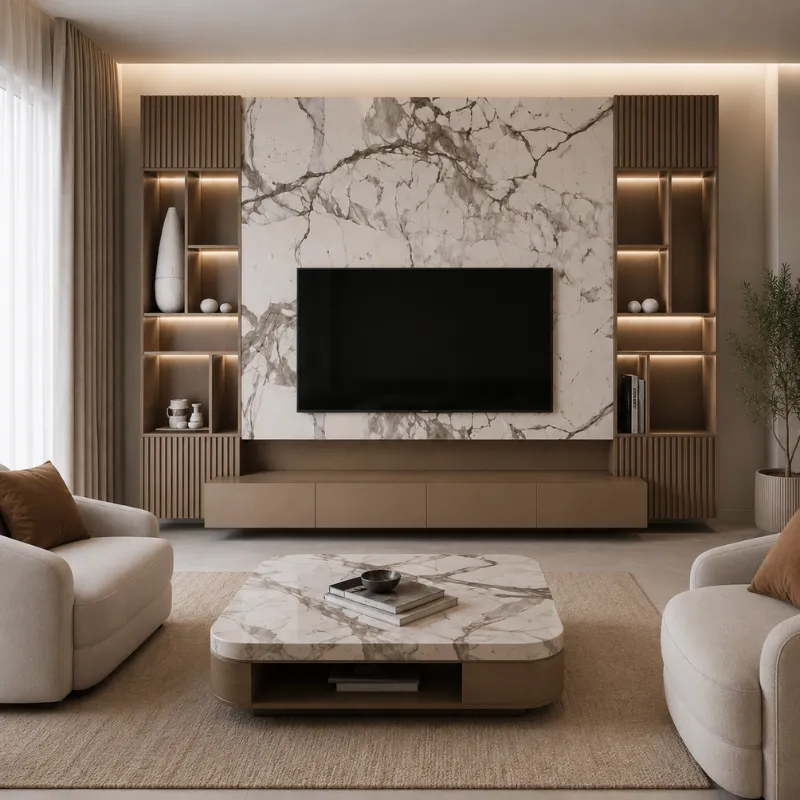
A bracket advertised for 55–75-inch TVs won’t necessarily fit every TV in that range. Check the exact VESA measurements, weight capacity, and mounting screw specifications in your TV’s manual.Also, check the location of the HDMI and power ports. Low-profile brackets can restrict access to rear connections, especially when cables extend straight out from the TV. For Custom TV Units Dubai installations, plan enough space behind the screen for the mounting bracket, power connections, and cable routing before finalizing the unit’s design.
| Mount Type | Practical Advantage | What to Check Before Buying |
|---|---|---|
| Fixed Mount Low-profile design | Keeps the TV close to the wall and works well at seated eye level. | Check wall clearance for HDMI plugs, especially rear-facing ports. |
| Tilting Mount Vertical adjustment | Angles the screen downward when mounted high and can reduce some reflections. | Check the maximum downward tilt and whether the TV has enough clearance to tilt. |
| Full-Motion Mount Extension and swivel | Pulls the TV forward and turns it toward different seating positions. | Check arm extension, swivel clearance, cable slack, and the wall's approved load capacity. |
For a 65-inch TV, a full-motion bracket with a short arm may not allow a 90-degree turn because the screen edge can hit the wall. Check the bracket's extension distance and swivel limits for your TV size, not just its advertised rotation angle.
Tools Needed to Mount a TV on the Wall
- Power Drill: For drilling mounting holes.
- Stud Finder: For locating wooden studs behind drywall.
- Drill Bits: Wood or masonry bits, depending on the wall.
- Spirit Level: For keeping the bracket straight.
- Measuring Tape and Pencil: For marking drilling positions.
- Socket Wrench: For tightening mounting bolts.
- Screwdriver: For attaching brackets to the TV.
- Wall Anchors and Bolts: As specified for the mount and wall type.
How to Mount TV on Wall Step by Step
- Locate the mounting points and check for hidden wiring or pipes.
- Hold the wall plate against the wall, level it, and mark the screw holes.
- Drill pilot holes using the bit size and depth specified in the mounting instructions.
- Secure the wall plate to the studs or masonry using the approved bolts and anchors. Tighten firmly without overtightening.
- Attach the mounting rails to the back of the TV using the supplied compatible screws.
- With another person, lift the TV onto the wall plate and engage the safety locks.
- Gently check that the TV is secure, then connect the cables and adjust the viewing angle.
TV Cable Management After Wall Mounting
The simplest way to hide TV cables is to use a paintable cable raceway that runs from the TV to the nearest outlet. It attaches to the wall without cutting into it and keeps HDMI, power, and other cables organized.
For a cleaner installation, HDMI and other low-voltage cables can run inside the wall if they are rated for in-wall use. Standard TV power cords should not be routed through wall cavities; use a code-compliant in-wall power solution installed by a qualified electrician. If you’re using a full-motion mount, leave enough cable slack for the TV to extend and rotate without pulling or pinching the connections.
Best TV Mounting Height and Viewing Position
The center of your TV should sit approximately at seated eye level. For example, if your eye level is 105 cm from the floor and your screen is 80 cm tall, position its bottom edge around 65 cm above the floor. Before drilling, mark the screen’s outline on the wall with painter’s tape and check it from your usual seating position. Make sure the TV won’t reflect direct sunlight or nearby lamps. If the screen must sit above eye level, a tilting mount can help reduce the upward viewing angle.
Final Safety Checks and Common Mounting Mistakes
After hanging the TV, make sure the bracket’s anti-lift screws or locking clips are fully engaged. Skipping these locks can allow the screen to lift off the mount accidentally. Check that ventilation openings remain unobstructed and cables aren’t trapped between the TV and wall. With a full-motion mount, slowly extend and rotate the screen to confirm it doesn’t hit nearby furniture or pull on connected cables. If the wall plate moves, mounting bolts loosen, or cracks appear around the fixing points, stop using the mount. Uncertain wall structures, damaged mounting points, and installations requiring electrical modifications are better handled by qualified professionals.
Frequently Asked Questions
Can I mount a TV on the wall without drilling holes?
Most conventional TV wall mounts require drilling to create secure fixing points. Adhesive strips and ordinary mounting tape are not suitable substitutes. If drilling is not allowed, a freestanding TV mount or floor stand is a safer alternative.
Can I reuse an old wall mount for a new TV?
Yes, if the existing mount supports the new TV's VESA pattern, weight, and required hardware. Inspect the bracket for damage and confirm that all mounting components are present. Do not mix incompatible parts from different mounting systems.
Is it safe to mount a TV above a fireplace?
It can be possible, but heat is the main concern. Measure the temperature at the intended TV location while the fireplace is operating and compare it with the TV manufacturer's limits. Maintain the required ventilation clearance. A tilting bracket may improve viewing comfort, but it does not protect the TV from excessive heat.
What if the wall studs are not centered behind the TV?
Look for a mount that allows horizontal adjustment after the wall plate is secured. Some mounting systems let you shift the TV sideways without moving the wall fixings. Never reposition structural mounting screws away from approved support points just to center the screen.
How do I remove a TV from its wall mount?
Disconnect the power and other cables, then locate the bracket's release mechanism. Depending on the model, you may need to loosen safety screws or pull release cords. Have another person support the TV while you disengage the locks and lift it from the wall plate. Follow the mount's removal instructions rather than forcing the screen upward.
Also Read : Best Dining Table Material: What’s Worth Buying?